The Power of Visual Collaboration in Remote Project Management
In a remote world, walls of text kill good ideas. Learn why visual tools like whiteboards and living documents are essential for clarity, innovation, and turning concepts into action.
The Power of Visual Collaboration in Remote Project Management
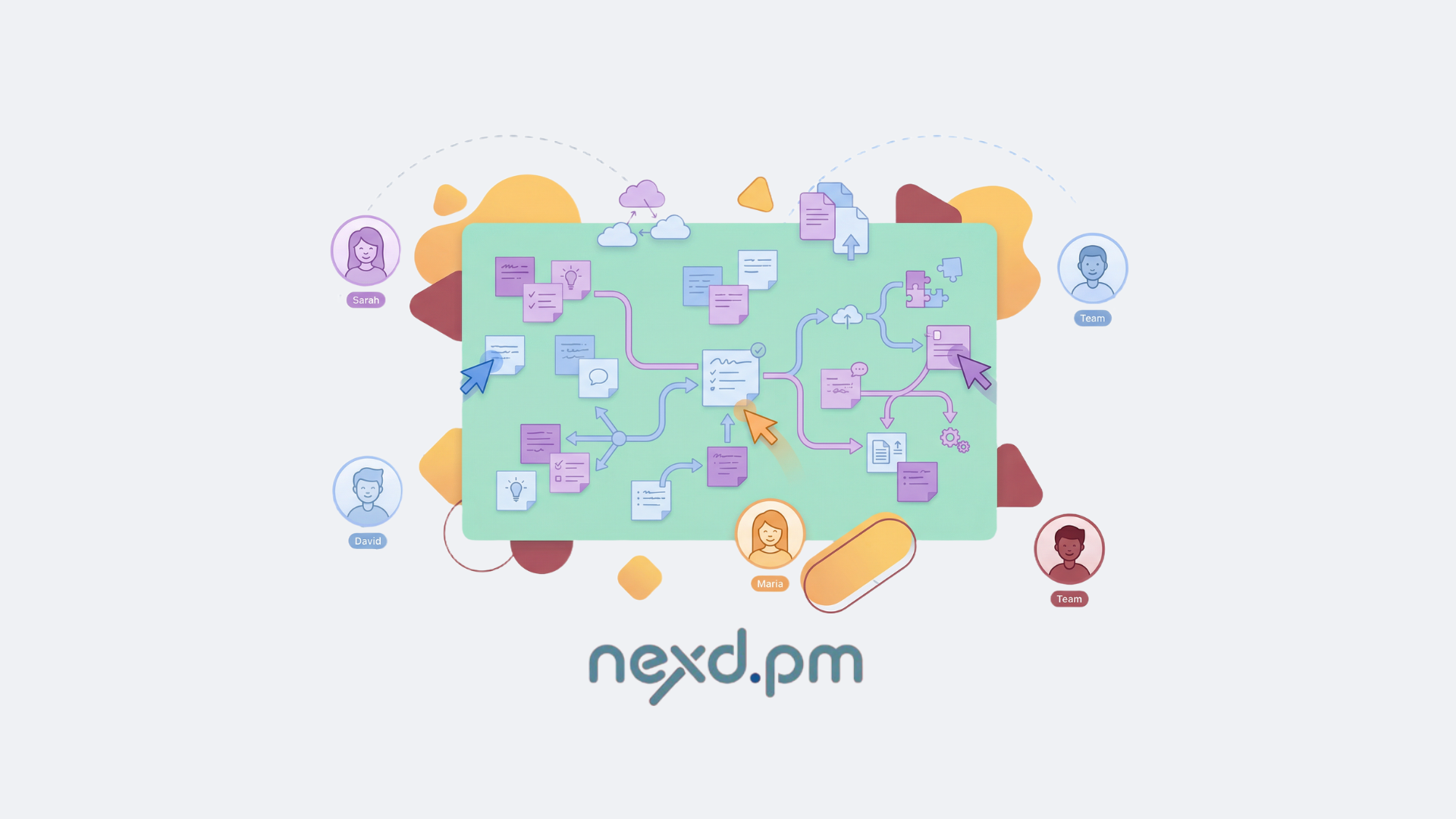
The shift to remote work has brought incredible flexibility, but it has also silently erased one of the most powerful tools for innovation: the shared wall. We've lost the impromptu whiteboard session, the "back-of-the-napkin" sketch, and the simple act of standing together to map out a complex idea.
We've tried to compensate with a deluge of text—endless Slack threads, convoluted email chains, and task descriptions that read like novels. The result? Zoom fatigue, misaligned teams, and a creative spark that's been dulled by a thousand tiny cuts of miscommunication.
A wall of text is where complex ideas go to die. For remote teams to truly thrive, visual collaboration can't be an afterthought or a separate tool; it must be a core, integrated part of the project management process.
Why Text Alone Fails for Complex Ideas
Our brains are wired for visuals. We process images 60,000 times faster than text. When we try to explain a complex user flow, a system architecture, or a marketing funnel using only words, we're fighting against our own biology.
- High Cognitive Load: Text requires your team to build a mental model from scratch, leading to different interpretations and a higher chance of error.
- Hidden Ambiguity: A phrase like "The user then proceeds to the next step" can mean ten different things to ten different people. A simple arrow on a diagram is unambiguous.
- Loss of Spontaneity: You can't just "start drawing" in a Slack channel. The barrier to expressing a quick visual thought is too high, so the idea often goes unsaid.
The Pillars of Modern Visual Workspaces
Effective remote collaboration rests on two main visual pillars, which must be seamlessly integrated into your daily workflow.
1. The Infinite Digital Whiteboard
A shared digital whiteboard is the modern equivalent of that conference room wall, but infinitely better. It's a shared space for unstructured, creative thinking. High-performing teams use them for:
- Brainstorming & Ideation: Mapping out ideas with digital sticky notes without limits.
- System Architecture & Flowcharts: Visually designing how a system will work before a single line of code is written.
- User Journey Mapping: Understanding the customer experience from their perspective.
- Agile Retrospectives: Creating a shared space for feedback and reflection.
The goal is to create a sense of a shared, tangible space where ideas can flow freely, be connected, and be built upon collectively.
2. The Living Document
Static documents are dead. A "living document," like those found in Notion-like editors, is a dynamic, multimedia-rich hub for project knowledge. It's not just a spec sheet; it's a workspace.
Instead of a text file, you have a canvas where you can embed:
- Rich media: Images, videos, and diagrams.
- Direct links to tasks: Connecting the plan directly to the work.
- Interactive comments: Discussions happen right alongside the content, not in a separate email thread.
This turns a project brief from a passive document into the central, visual source of truth for a feature or initiative.
The Critical Flaw: The Gap Between Vision and Action
Here's where most teams fail. They have a fantastic brainstorming session on a third-party whiteboard tool. The board is filled with brilliant ideas. Everyone feels energized. Then... nothing.
The session ends, a screenshot is pasted into Slack, and the momentum dies. It becomes someone's tedious job to manually transcribe those brilliant, unstructured ideas into rigid, structured tasks in the project management tool. This manual translation is slow, error-prone, and where great ideas get diluted or lost.
The NEXD.PM Advantage: Bridging the Gap with AI
At NEXD.PM, we believe that visual collaboration is pointless if it isn't actionable. Your whiteboard and your documents shouldn't be separate islands; they should be the starting point of your entire workflow.
We've built an intelligent bridge across this gap.
- Excalidraw-Powered Whiteboards: We provide a best-in-class, infinite canvas for your team's creativity. But we didn't stop there.
- From Drawing to Doing: This is where the magic happens. You can draw a complex system architecture on your whiteboard. Then, you open our integrated AI Agent, which takes a snapshot of your drawing and uses it as a visual prompt.
- Visual Prompt Engineering: You can then ask the agent: "Based on this architectural diagram, generate all the necessary backend user stories, create tasks for setting up the database, and assign them to the infrastructure team."
Suddenly, your drawing isn't just a picture; it's the direct input for your entire project plan. The AI agent understands the visual context and translates it into a structured, actionable set of tasks on your project board, complete with assignments and dependencies. The gap is gone.
Stop letting your best ideas die in static documents and forgotten screenshots. It's time to work in a system where visual creativity seamlessly transforms into project velocity. Join the NEXD.PM waitlist and build your next great idea in a truly integrated visual workspace.
This is the Nexd-Level Prompt Management.
The waitlist is now open for teams who want to build, not just prompt.
No spam. We'll only reach out when we're ready to launch.
Related Articles
How AI is Revolutionizing Project Task Management
Explore how AI is moving beyond simple checklists to intelligently automate task creation, assignment, and tracking, freeing up your team to focus on what matters.
Beyond a Chatbot: What an Integrated AI Agent Means for Your Projects
Your project management tool has a chatbot. That's cute. It's time to upgrade to an AI Agent that doesn't just answer questions, but takes action and manages tasks for you.
Why Your Team Needs a Centralized Prompt Management System
Your team is using AI, but are they using it effectively? Learn why scattered prompts lead to chaos and how a centralized system boosts consistency, efficiency, and quality.